Buying guides
How to Choose a POS System in Jordan: A Practical Checklist
Before comparing devices, map how your shop actually sells. This checklist walks through software, hardware, connectivity, local requirements and support so you can choose a POS that fits your business in Jordan.
A point of sale system is more than the screen your cashier taps. It is the software that records every sale, the hardware that prints receipts and reads barcodes, the network that keeps branches in sync, and the people who support you when something stops working on a busy evening. Choosing well means looking at all four together rather than starting with the cheapest terminal you can find.
This guide is written for shop owners and managers in Jordan who are buying their first system or replacing an old one. It does not recommend a single brand. Instead, it gives you the questions we ask customers before we suggest any device, so you can make the comparison yourself.
Start with how you sell, not with the device
Write down a normal day in your business. How many people serve customers at the same time? Do you sell by barcode, by weight, by table, or by service? Do customers pay in cash, by card, by CliQ transfer, or on account? Do you need to print a receipt every time, or only on request? The answers decide most of the hardware list.
- A minimarket with fast barcode sales needs a reliable scanner, a quick receipt printer and a cash drawer at every counter.
- A clothing or electronics shop may care more about stock by size, colour or serial number than about checkout speed.
- A pharmacy or a shop with many similar items needs good search and clear product naming in Arabic and English.
- A business with more than one branch needs central reporting and a plan for what happens when one branch loses its internet connection.
The software decides what you can do later
Hardware is usually replaceable; changing software after a year of data is much harder. Ask to see the reports you will actually use: daily sales, sales by cashier, stock movement, returns, and profit by item if your costs are entered. Check that the interface and the printed receipt can be in Arabic, and that product names display correctly on both screen and paper.
Ask whether the system runs on a local server, in the cloud, or both. A local installation keeps working without internet but needs someone responsible for backups. A cloud system makes multi-branch reporting easier but depends on a stable connection, so ask how it behaves offline and how sales are synchronised when the line comes back. At PC Stores we offer both approaches, including POS Retail and Cloud System - Retail, and we will explain the trade-off for your situation rather than pushing one model.
Choosing the terminal
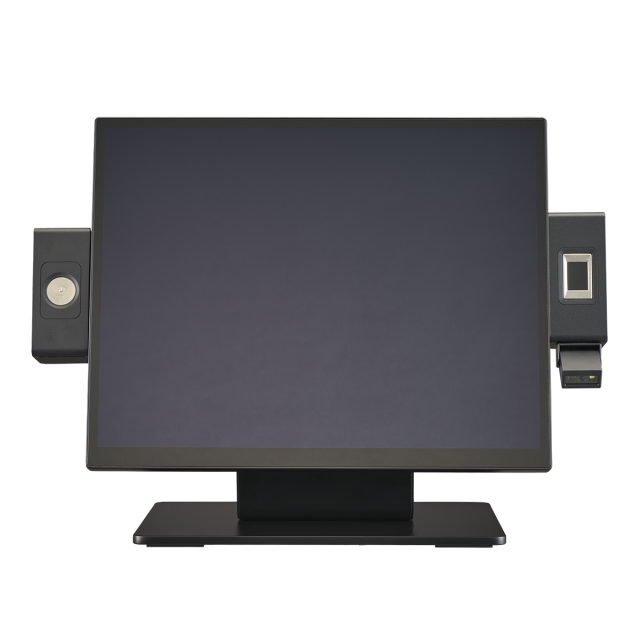
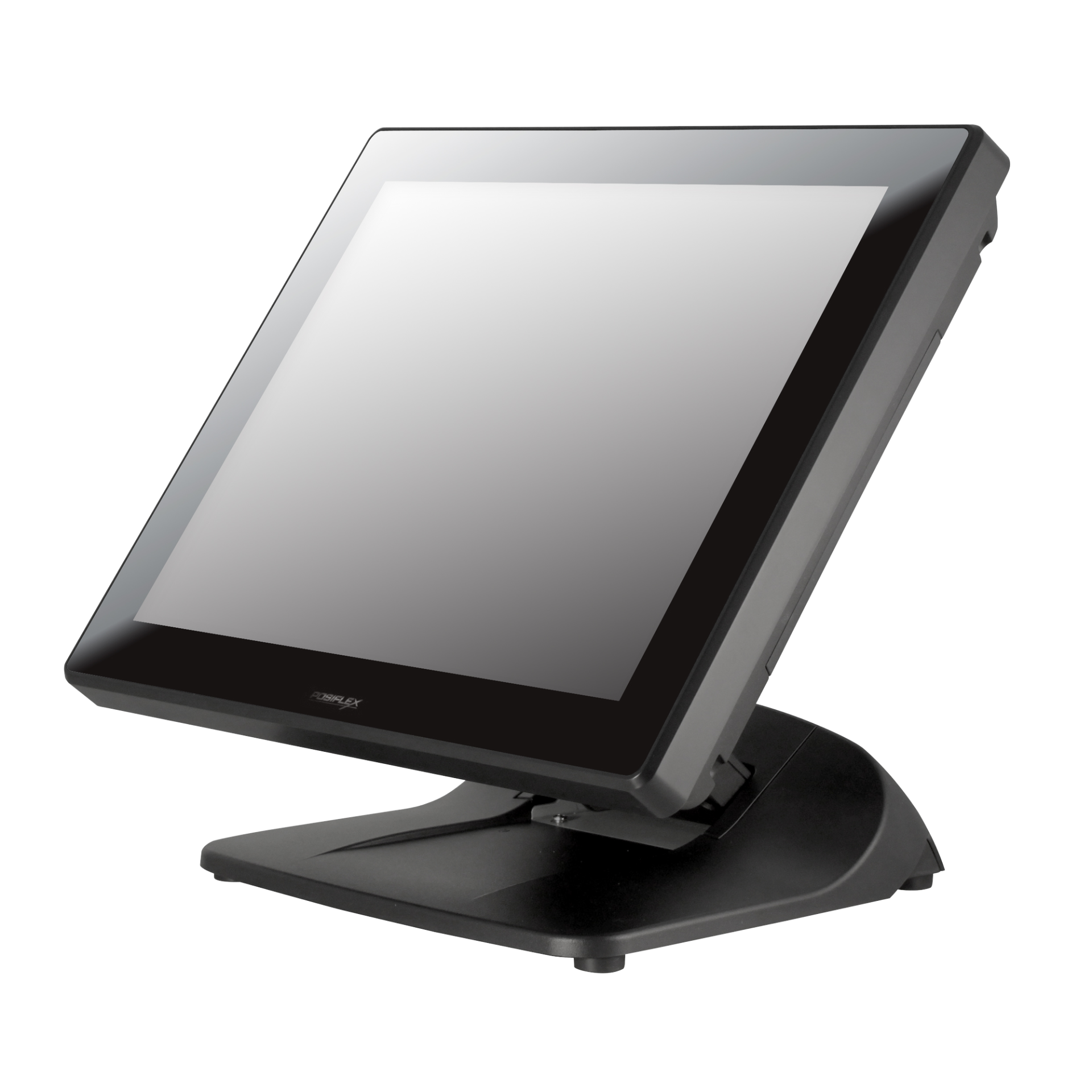
Most terminals fall into two families. Windows-based terminals run a wide range of desktop POS software and suit businesses that already use Windows applications. Android-based terminals are often simpler to manage and suit apps designed for Android. Neither is better in every case; the right choice is whichever runs the software you selected reliably.
Look at the screen size your staff need, whether the touch screen is comfortable for the number of items you sell, how many USB and serial ports you need for printers, scanners and drawers, and whether a second display for the customer is useful. Check the manufacturer's datasheet for the exact ports and supported operating system rather than relying on a general description.
Peripherals that are easy to overlook
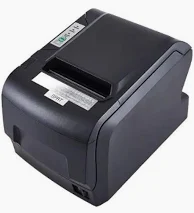
- Receipt printer: decide the paper width your software prints for and whether you need an automatic cutter and a network connection.
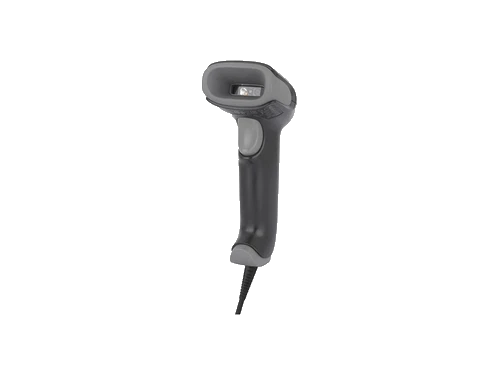
- Barcode scanner: choose based on the codes you will scan, including codes on phone screens if you accept digital coupons.
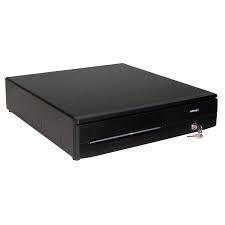
- Cash drawer: confirm it can be opened by the printer or terminal you choose, so the drawer only opens on a recorded sale.
- Consumables: plan a regular supply of the correct thermal rolls so the counter never stops because of paper.
Local requirements and record keeping
Invoicing, tax and record-keeping obligations can differ by business activity. PC Stores software supports integration with Jordan's electronic invoicing system, JoFotara, and we can show you this integration in a demonstration. Confirm with your accountant exactly which obligations apply to your business and which invoices and records your system must produce, and request a demonstration to assess whether it meets your needs.
Support after installation
Ask who installs the system, who trains your staff, and who you call when a printer stops on a Thursday night. Clarify what is covered by the manufacturer's warranty, what is a paid service, and whether spare parts are available locally. Our team handles installation, training and maintenance requests, and you can submit a service request or spare parts inquiry through our maintenance page.
A short checklist before you decide
- List how you sell today and what you want to change in the next two years.
- Choose the software first and confirm it handles Arabic receipts and the reports you need.
- Pick terminals and peripherals that the software officially supports.
- Check connectivity, backups and offline behaviour.
- Confirm local invoicing obligations with your accountant and request a demonstration of the JoFotara integration.
- Agree on installation, training, warranty and support in writing.
If you would like a second opinion on a quotation or a shortlist, send it to us on WhatsApp. We are happy to point out what is missing, even if you end up buying elsewhere.